ni.com is currently undergoing scheduled maintenance.
Some services may be unavailable at this time. Please contact us for help or try again later.
- Subscribe to RSS Feed
- Mark Topic as New
- Mark Topic as Read
- Float this Topic for Current User
- Bookmark
- Subscribe
- Mute
- Printer Friendly Page
Table Indicator Custom Appearance resets everytime

 ricky48
05-11-2021 09:48 PM
- Mark as New
- Bookmark
- Subscribe
- Mute
- Subscribe to RSS Feed
- Permalink
- Report to a Moderator
I have a table indicator that gets updated with values periodically.
I have disabled everything except vertical scroll bar, vertical/horizontal lines, autosize row size and smooth scrolling.
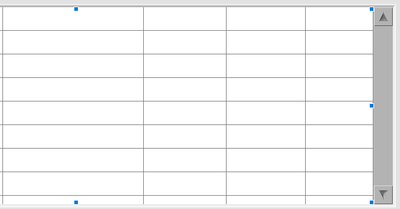
I went into advanced -> customize -> customize mode and increased the size of the vertical scrollbar and button for ease of use. It seems to work when i apply the changes, but after saving everything and the project, everytime I reopen the project and open the main vi, the scroll bar is reverted back to the original appearance.
I tried saving the edit as a control and as a type def, but the changes only show up when i open the saved control/type def and not on my main vi front panel.
05-12-2021 12:50 AM
- Mark as New
- Bookmark
- Subscribe
- Mute
- Subscribe to RSS Feed
- Permalink
- Report to a Moderator
*By table I meant 2d array of strings indicator

 paul_cardinale
05-12-2021 06:20 AM
- Mark as New
- Bookmark
- Subscribe
- Mute
- Subscribe to RSS Feed
- Permalink
- Report to a Moderator
Try adding these lines to labview.ini:
AutosizeScrollbar=False
autoResizeScrollbars=false
