This example project uses LabVIEW Web Services to publish and stream images over internet.
Project content
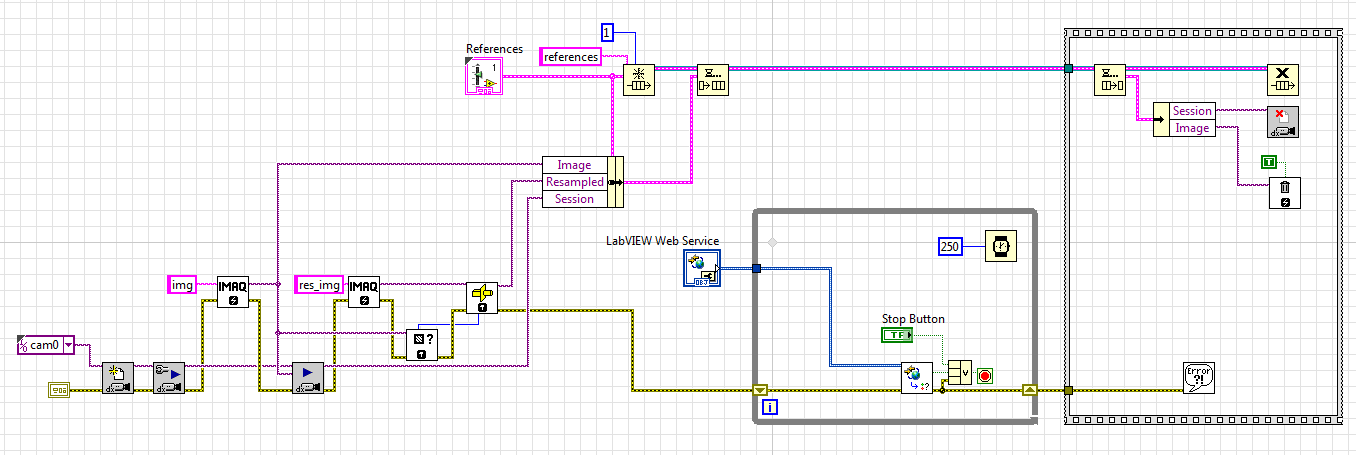
- startup.vi responsible to initialize resources, monitor the Web Service status and close resources if the Web Service be stopped or Stop button pressed.
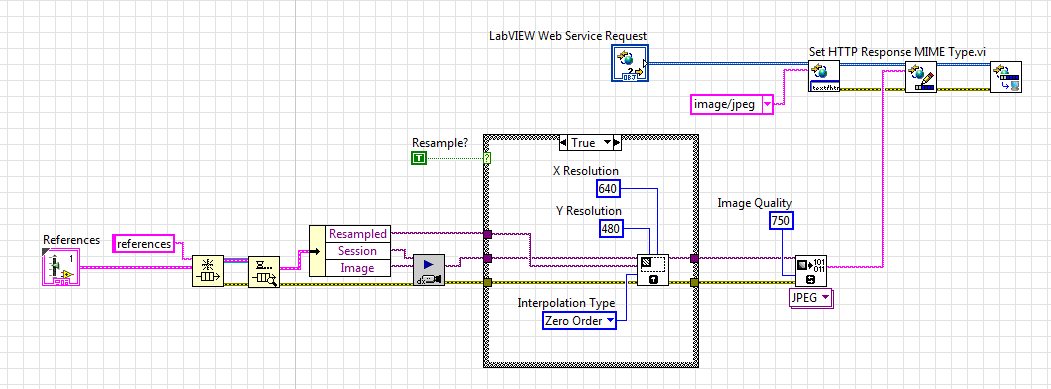
- Single_Image.vi is a GET HTTP Method configured as Stream Output Type. It uses the native image/jped HTTP Response MIME Type from LabVIEW Web Services library to publish a single IMAQdx image, previously acquired in Grab mode and flattened as JPEG/Image binary stream. The image can also be resampled.
- JS_Auto_Refresh.vi is a GET HTTP Method configured as Stream Output Type. It uses the native text/html HTTP Response MIME Type from LabVIEW Web Services library to publish a JavaScript and a html image frame, the image source is the Single_Image method and the JavaScript will refresh the image according to the time gap specified.

Thanks: https://stackoverflow.com/questions/20877813/auto-refresh-images-in-html
- MJPEG.vi is a GET HTTP Method configured as Stream Output Type and deselected the “Use Headers” to LabVIEW Web Services not include the HTTP Headers, because it uses a non native HTTP MIME Type for stream MJPEG images over HTTP.
Ref1: https://en.wikipedia.org/wiki/Motion_JPEG#M-JPEG_over_HTTP
Ref2: http://www.ietf.org/rfc/rfc2616.txt

OBS: MJPEG over HTTP is not supported by Internet Explorer natively, it is required to install an add-on, at least when I tested it. I didn’t investigate much though.
How to run
1. Open the project
2. Right-click on “myWebService” and select “Start”
3. Right-click in on of methods, e.g. MJPEG.vi and select “Show URL Method…”
4. Copy this URL in an Internet Browser
Final considerations
Dependencies: NI Vision Acquisition Software
Hardware tested: Laptop with Webcam, cRIO-9068 with Basler USB3.0 camera and sbRIO-9651 + Dev Kit with Basler USB3.0 camera


Hi.
Thank you so much for sharing this. It has been extremelly useful for me, and also really easy to use. It works like a charm.
How difficult would it be to deploy this as a source distribution instead of using it as a LabView project? For my needs, I would need to be able to use the startup.vi outside the project.


