Labview Tortoise Git Integration [LV_TortoiseGit v0.8.1.1]

 工程师(偏硬)
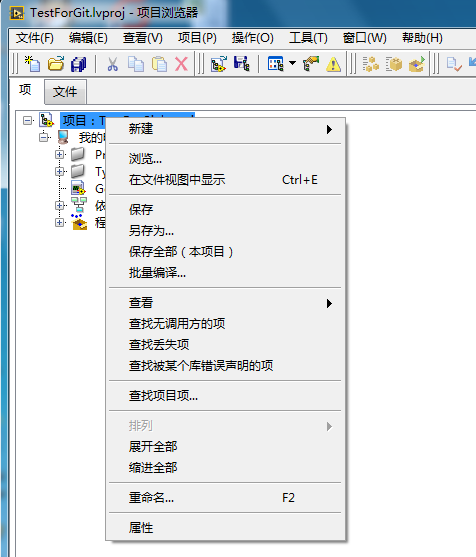
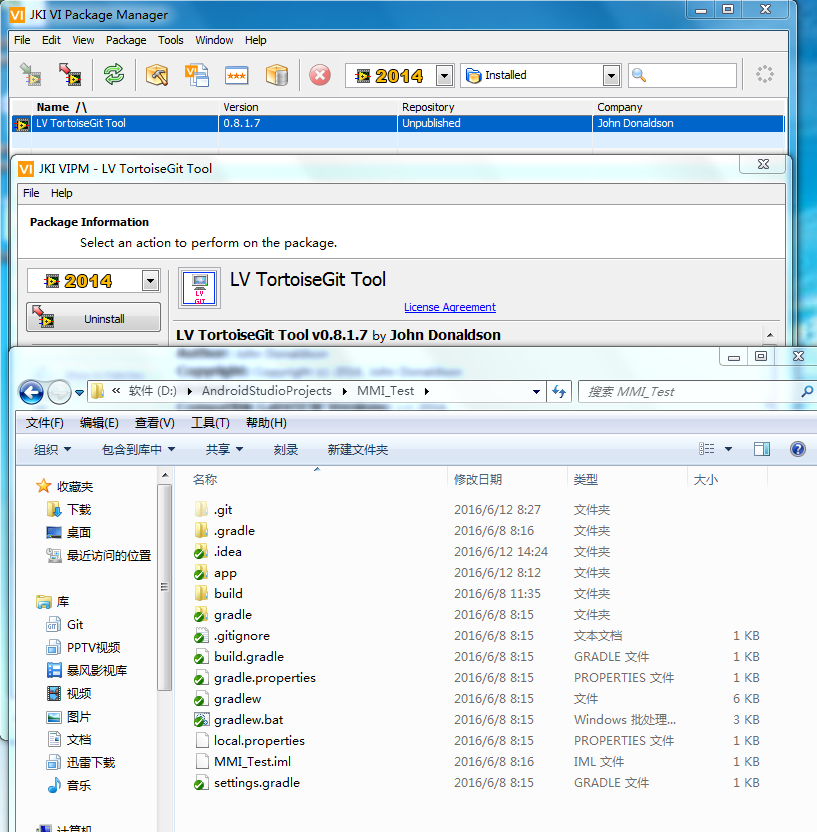
安卓我都做到了,而且也试过了,还行,但是Labview我就是没有成功,
我要把整套流程好好熟悉,避免犯错哟,
测试连接是成功, 我但是win7 64 旗舰版 中文系统
Labview也是中文的盗版的, git 也是中文的,
 Hansi99
This Tool caused a problem with "Custom PDF Generator" from Simplicity AI. If I run a Custom PDF Generator vi in Development Suite then a Error Constructor Node caused, after uninstalling "LV_TortoiseGit" the error is gone.


Hansi99 wrote:
This Tool caused a problem with "Custom PDF Generator" from Simplicity AI. If I run a Custom PDF Generator vi in Development Suite then a Error Constructor Node caused, after uninstalling "LV_TortoiseGit" the error is gone.
What version of labview are you running? Not that i know what would cause this but i'm just curious. I also dont' have access to that addon so i'm not 100% sure how to trouble shoot this.
Hansi99
I use LabView 2015.
There is a Eval Version of this Tool:
or via VIPM
The Evaluation Version is enough to try and is not limited by time (to my knowledge)
PS: Strange, I tried again to install LV_TortoiseGit and now suddenly the error no longer occurs.
Hansi99
I tried a few things and can finally say that a general problem with the TorotiseGit tool and some libraries / Tools / Addons are.
The problem occurs when the tools use a separate DLL (such as custom "PDF Generator" or "ViewPoint xlsx Toolkit") and is temporarily available. Sometimes after reinstalling of LV TortoiseGit it works for a while but close and/or commmit then the problem occurs again.
It is 100% sure the LV TortoiseGit something changed in the project and then the vi's not found the dll.

 JensG69
The project name/description within the project tree gets changed by this API (adding information about the branch). Somehow after that LabVIEW is unable to find or load any .NET assembly.
Best, Jens

 Ludwig72
I have the same problem with the .NET assemblies and deactivated LV_TortoiseGit in LabVIEW. After deactivation everything is working again.

 iannicholson
@JensG69 wrote:
The project name/description within the project tree gets changed by this API (adding information about the branch). Somehow after that LabVIEW is unable to find or load any .NET assembly.
Best, Jens
I had the same issue. I looked at the source and I see where it is modifying the Project Name. I may try commenting this out to see what happens. Does anyone (NI?) know why changing the Project Name in this manner would cause problems loading .NET assemblies, or what might be a better way to do this?
iannicholson
@iannicholson wrote:
@JensG69 wrote:
The project name/description within the project tree gets changed by this API (adding information about the branch). Somehow after that LabVIEW is unable to find or load any .NET assembly.
Best, Jens
I had the same issue. I looked at the source and I see where it is modifying the Project Name. I may try commenting this out to see what happens. Does anyone (NI?) know why changing the Project Name in this manner would cause problems loading .NET assemblies, or what might be a better way to do this?
I believe I have solved the problem. The Project Name is modified to include [Branch: %branchname%]. It seems the colon (:) in this string is causing the problem. I changed it to read [%branchname%] alone and my .NET assemblies are loading as expected! You can make this change yourself. I will also attempt to get the addon updated with the change.
