- Subscribe to RSS Feed
- Mark Topic as New
- Mark Topic as Read
- Float this Topic for Current User
- Bookmark
- Subscribe
- Mute
- Printer Friendly Page
Editting an Icon Programmatically - Preserving Layers
 jgcode
12-17-2009 04:29 PM
- Mark as New
- Bookmark
- Subscribe
- Mute
- Subscribe to RSS Feed
- Permalink
- Report to a Moderator
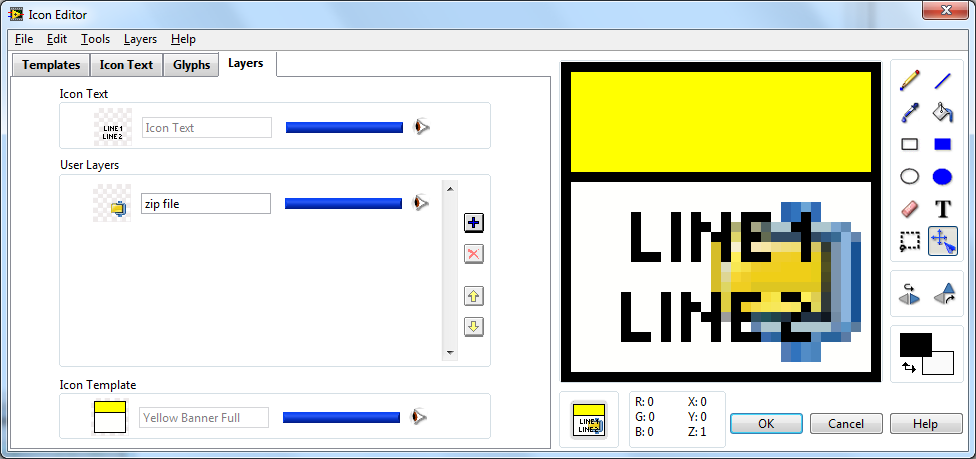
If I have a VI that has an icon with layers:
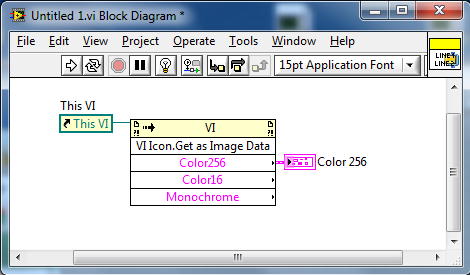
And I get it's icon data via the invoke node:
Then call the Icon Editor
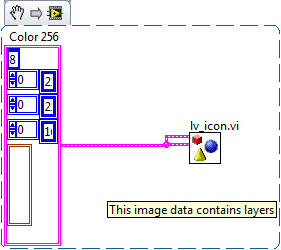
I can't see the layers
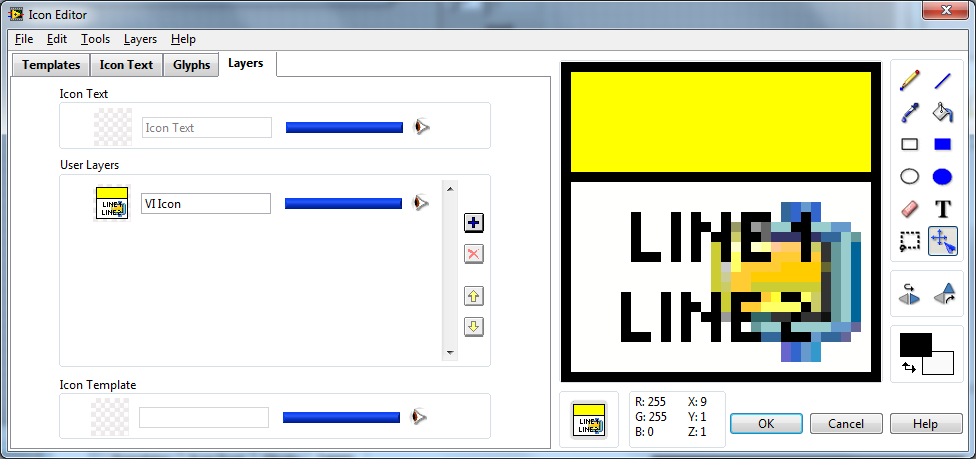
The API for the Icon Editor seems to be just the image data.
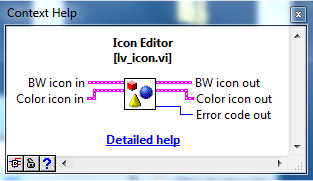
Does anyone know how to:
- Load the layers programatically and invoke the Icon Editor?
- Update only one layer programmatically?
Cheers
-JG
 ThSa
ThSa
12-18-2009 08:19 AM
- Mark as New
- Bookmark
- Subscribe
- Mute
- Subscribe to RSS Feed
- Permalink
- Report to a Moderator
Hey JP,
there is no way for you to get to the layer information programmatically right now.
Is there a particular reason why u want to do it programmatically rather than in the icon editor?
Tom

 shew82
12-18-2009 09:43 AM
- Mark as New
- Bookmark
- Subscribe
- Mute
- Subscribe to RSS Feed
- Permalink
- Report to a Moderator
One of the development tools that I use has a function to depreciate a library or class - a process involving making a duplicate of the class, swapping out the palette entries, and what's relevant to here: adding a decal to the old VIs so that if we are using a "Depreciated" vi in a older project, we can instantly see that it should be replaced. Currently this process ends up with flattened icons, but it would be MUCH nicer if we could simply add a layer to the VIs.
12-19-2009 10:28 PM
- Mark as New
- Bookmark
- Subscribe
- Mute
- Subscribe to RSS Feed
- Permalink
- Report to a Moderator
Hi Tom
I want to programmatically replace a layer of an icon so that e.g. I have a library and I want to change the color of the banner/header but leave text or glyphs unchanged.
Also if I have a reference to a VI, I want to be able to invoke the icon editor and edit that VI's icon/layers manually - I essentially want to replicate the action of double clicking on a VI's icon.
Is either of these possible at the moment?
Cheers
-JG
ThSa
12-21-2009 08:08 AM
- Mark as New
- Bookmark
- Subscribe
- Mute
- Subscribe to RSS Feed
- Permalink
- Report to a Moderator
I'll try to have SET and GET VIs ready by xmas day.
GET/SET User layers: 1D array of all user layers from top to bottom
GET/SET Template layer
GET/SET Text layer
It is currently not possible to launch the icon editor programmatically as a subVI because the wrapper VI of the most important function that is used to determine from which VI/library/ctrl/palette icon/ the icon editor is launched, doesn't have an overwrite input.
I am going to look into that as well.
Tom
12-21-2009 07:41 PM
- Mark as New
- Bookmark
- Subscribe
- Mute
- Subscribe to RSS Feed
- Permalink
- Report to a Moderator
Tom, can I call you Santa?
That would be insanely cool. 
Are you able to include the Tags with the image data as well?
So I can identify e.g. the NI_Library image data
Look forward to programmatically launching the IE as well!
Cheers
-JG
ThSa
12-25-2009 10:27 AM
- Mark as New
- Bookmark
- Subscribe
- Mute
- Subscribe to RSS Feed
- Permalink
- Report to a Moderator
Here is the link to the document:
http://decibel.ni.com/content/docs/DOC-8647
