Overview
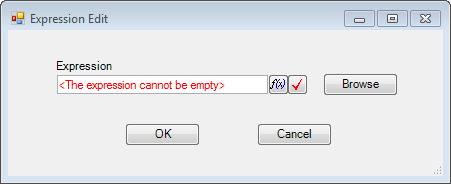
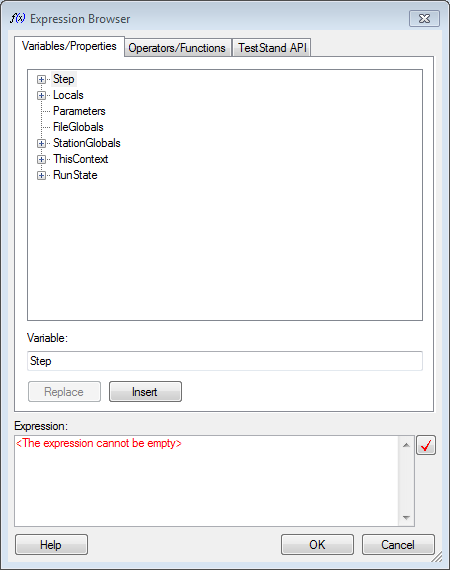
This is an example of using the ExpressionEdit control type, for TestStand 2013, on a C# Winform developed in Visual Studio 2012. The particular function this shows is being able to use the Expression Browser within a UI.
Description
This example shows how to run a UI that sets the context of an ExpressionEdit Winform control so that the Expression Browser button on the ExpressionEdit control is enabled. The base code for this is:
public ExpressionEdit(SequenceContext currentContext)
{
InitializeComponent();
context = currentContext;
axExpressionEdit1.Context = currentContext.AsPropertyObject();
bool shouldAbort = false;
int modalId = currentContext.Engine.NotifyStartOfModalDialogEx(currentContext, out shouldAbort);
if (!shouldAbort)
{
this.ShowDialog();
}
currentContext.Engine.NotifyEndOfModalDialog(modalId);
}
Steps to Implement or Execute Code
- Unzip ExpressionEditDotNET.zip
- Open 'Expression Test.seq' and run the sequence. NOTE: If the assembly is not loaded in the 'Expression Test Sample - dotNET' step then load the 'ExpressionEditDotNET.dll' from the relative path "\ExpressionEditDotNET\ExpressionEditDotNET\bin\Debug".
Requirements
Software
NI TestStand 2013
Microsoft Visual Studio 2012
Additional Images or Video
Peter T
Applications Engineer
National Instruments


