Overview
When working in a computer lab or as a student with a myDAQ you will often find that when working on your project on different computers your device may come up with different device IDs. This can be annoying-especially if there are lots of devices connected.
Description
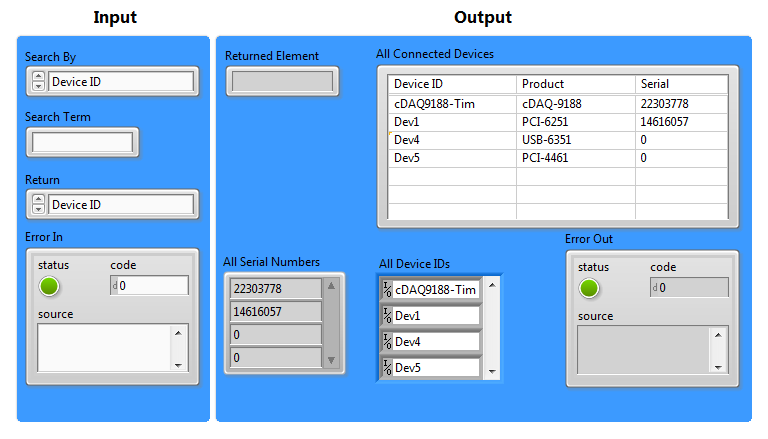
This subVI programmatically detects all the connected (and simulated) DAQ devices in the system. You can also search for DAQ devices by serial number, product or device ID. This way you can have this VI on your block diagram to search by your devices serial number to return the relevant device ID no matter what computer you are running on.
Requirements
Software
- LabVIEW 2010, 2013 or compatible
- DAQmx 9.1.5 or compatible
Hardware
- Simulated or real DAQ hardware
Steps to Implement or Execute Code
- Download Find DAQ Devices.vi
- Test run and then use as SubVI in your DAQ application
Additional Information or References
**This document has been updated to meet the current required format for the NI Code Exchange.**

