Description
Description-Separate-1Overview
This is the file for a previous Vision Development Module example. As of LabVIEW 2013, this example is no longer installs with the Vision Development Module examples. I've posted it here so that users who want the example in later versions of LabVIEW can have access to it..
Description
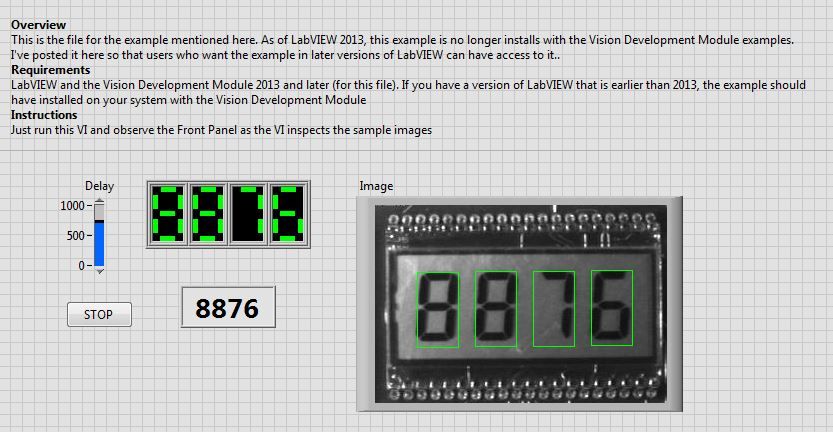
This example uses functions from the Vision Development Module to read data from a LCD display and output the data as a numeric
Requirements
LabVIEW and the Vision Development Module 2013 and later (for this file). If you have a version of LabVIEW that is earlier than 2013, the example should have installed on your system with the Vision Development Module
Steps to Implement or Execute Code
- Download the file and extract it.
- Open Recognize LCD Display 2013NIVerified.lvproj
- Run Recognize LCD Display 2013NIVerified.vi
- Observe the Front Panel as the VI inspects the sample images
Additional Information or References
Front Panel
Block Diagram

**This document has been updated to meet the current required format for the NI Code Exchange.**
Description-Separate-2


