|
|||||||||||||
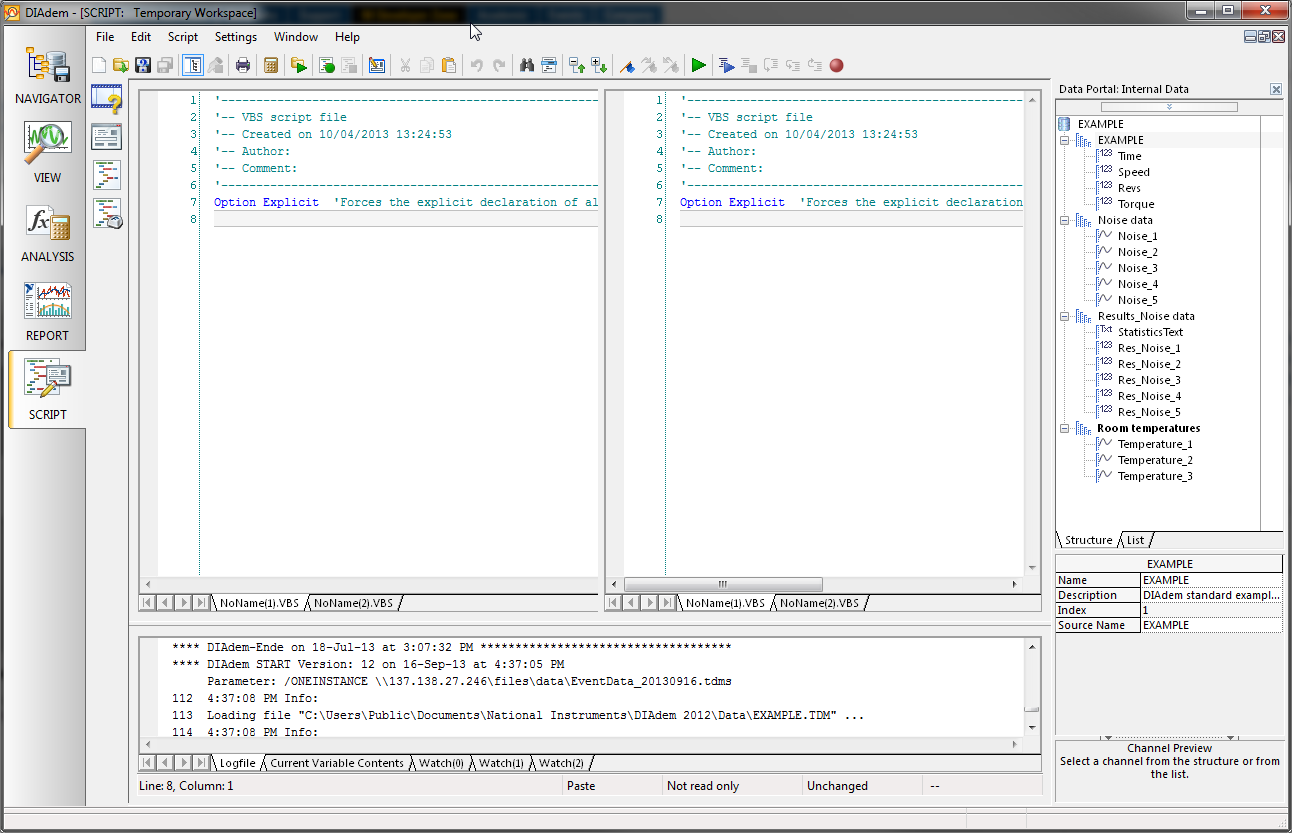
It should be possible to use the code completion functionality for classes one has written, even when the class is in another VBS file and included by “ScriptInclude”. Now that competion feature works only if the class is defined within the same VBS file as one writes the code which uses this class. That would make the developers live much easier, I am sure I am not the only one who writes code which is distributed over several files ![]()
Diadem currently has a copy function for curves within the user interface, as shown below:
However, there is no copy function within the scripting api. This means to duplicate a curve programmatically multiple functions. one for each of the properties in the curve, need to be called as shown below:
Dim oMyReportObj, oMyNew2DCurve,
Set oMyReportObj = Report.ActiveSheet.Objects.Item(1)
Set oMyNew2DCurve = oMyReportObj.Curves2D.Add(e2DShapeLine, oMyReportObj.Curves2D.Item(oMyReportObj.Curves2D.C
oMyNew2DCurve.Shape.XChannel.Reference = oMyReportObj.Curves2D.Item(oMyReportObj.Curves2D.C
oMyNew2DCurve.Shape.YChannel.Reference = oMyReportObj.Curves2D.Item(oMyReportObj.Curves2D.C
oMyNew2DCurve.Shape.Settings.Line.Width = eLineWidth0100
...
It would be far easier if there were a call to copy a curve directly:
Dim oMyReportObj, oMyNew2DCurve,
Set oMyReportObj = Report.ActiveSheet.Objects.Item(1)
Set oMyNew2DCurve = oMyReportObj.Curves2D.Copy(1)
Rather than a channel that has a "fixed" value (numeric or string), this new "calculation channel" type would be a function of other channels. Currently, if Channel3 = Channel1 + Channel2, and then I change the values for either Channel1 or Channel2, I have to re-execute the calculation
ChnCalculate("Ch(""Channel3"") = Ch(""Channel1"") + Ch(""Channel2"")")
Now, if there was a "calculation channel" where I could define Channel 3 as "Channel1 + Channel2", I wouldn't need to perform this re-execution!
Another way to explain is to have a channel that works like Excel calculation cells. The cell calculation stays the same, and when the input cells change, the result cell is automatically updated.
I'm not sure if I explained this well, please ask for clarification if necessary.
I would like active hyperlinks to be allowed in REPORT layouts. For example: http://www.ni.com/diadem/. Clicking on this link (in the REPORT layout) would result in the user's default internet browser to open to the link.
Rather than asking for a change to the "Repeat Marker" to plot all the points (we'd prefer "Repeat Marker" in DIAdem VIEW to be "Every N Points" where N = 1 rather than "Up to N Points" where N = 100), I think it would be great if we could have a configurable DIAdem default set of VIEW items that could be saved via usercommand, script, or a file configuration so we could conveniently spread it to our users.
This could include colors, points and/or lines, "Repeat Markers" configuration, line width/size/fill.
The "Repeat Markers" option is the most important to us because we have had users in the past who didn't realize that they were only seeing 100 points of their data, which can be a very bad thing (for example if you've turned off curve color and are looking for outliers in 150 points of data). On the other hand, I can understand not wanting to plot 2 billion points on a graph, hence the ability for an administrative body (or individual users) to configure the graph defaults.
-Josh
When dragging and dropping a channel into a View or Report table from the Data Portal, no matter where you release the channel, it's always appended to the end. This can be frustrating if you have a large number of channels in the table, forcing you to rearrange the table after each channel is added.
I would like to propose the ability to drop channels in-between columns of the table, OR append channels on the end.
I would think that the area you drag the channel into would decide where it inserts:
Between 2 channel headers (anywhere in the "Selected Channels" section or above) = Insert
Anywhere on the "Channel Contents" section, row numbers, or blank area without channels = Append to end
Thanks!
-Josh
In DIAdem 2011 we now have the ability to conveniently Copy REPORT sheets and Append VIEW sheets, now it'd be great if we could Copy VIEW sheets (with script accessibility, of course).
I know this has been mentioned before, but doesn't have an "Idea Post" so thought I'd add it so it doesn't get lost.
-Josh
In the DIAdem interface, there are menubar buttons available that allow the user to "Save ___ As...", whether it's a script, SUD, layout, etc. In the script editor, there is also a "Save All" button that saves all of the opened scripts. However, 9 times out of 10 I just want to save the current layout/script/whatever. It would be great to have a standard "Save" button either in addition to or in place of the "Save As..." button in the menubar.
(Yes, I know I can use the keyboard shortcut "Ctrl+S" or click "File --> Save" but these options are not as readily apparent as the "Save As..." or "Save All" icons, so I find myself clicking one of those and then having to click several more times just to get out of it...when all I wanted was a one-click save.)
An added benefit would be (like in the Script editor), if the file has not changed then the "Save" icon could be grayed out. That way the user would know that the current state of the current script/layout/etc was saved to disk.
Hi,
I would like to request th ability to "Freeze" columns in a view table so they stay on the left-hand side of the table as you scroll to the right.
The channel names/properties sticking at the top works brilliantly, but if you want to have a timestamp channel (or Timestamp, Speed, and Torque channels) visible when you have a view table with many channels you have 3 options:
1) Scroll back and forth a lot
2) Add a new occurrance of the channel(s) into the table and move it(them) to the correct spot
3) Have 2 tables side-by-side and vertically scroll them both together manually
I would suggest 2 interfaces to select the columns to freeze at the left hand side of the table:
1) Right-Click menu called something like "Lock Column(s) at Left" or "Freeze Column(s) to Left" (Or just "Lock/Freeze Column(s)")
2) On the "Display" interface, have a "Lock/Freeze Left" checkbox on the columns in the Name/Format table (you may also want to have a "Lock to Left First # Channels" checkbox for the All/All of a group channel table options) This should probably automatically move the columns selected to the top of the list so they appear in the order they will display in the table, as well as allowing the user to rearrange the leftmost columns (if they lock/freeze multiple columns)
-Josh
Hi,
Still on the toppic "Making Diadem more user friendly", Diadem is really limitated when it goes on X offsets. Somebody who wants in a report to superimpose two curves who do not begin at the same X value have to calcute the offset and set up 2 time chanells to get the whished result. Being able to move the curves yith the öouse or have a dedicated function in report could be helpful.
The easiest (to use and, I suppose, to develop) would be something alike to the "offset korrektur"/"offest correction" but applied for 2 curves. One can either chose a minimal, a maximal or both on the 2 curves and make those 2 to 4 points superimpose. With the 4 points choice, one can imagine that the curves will auto-rescale.
I've noticed that the easiest way to relate a channel calculation back to the original channel is to append to the channel name:
iH_EngSpeed_rpm
iH_EngSpeed_rpm_RegX
iH_EngSpeed_rpm_RegY
iH_EngSpeed_rpm_1
iH_EngSpeed_rpm_2
iH_EngSpeed_rpm_Filtered
Filtering for *engspeed, or *engspeed_rpm will return all of the above channels, but in my experience I rarely want to see all the additional channels...With enough channels, it can effectively obscure the channel you're looking for!
The simplest way I can think of to obscure these with the current functionality would be to have a stop character ("\"?) to prevent the filter from grabbing anything beyond that point:
*EngSpeed_rpm\ would return anything ending in *EngSpeed_rpm
Another way would be to get rid of the assumed * at the end of the filter, forcing people to put one on themselves when necessary (but that would be changing the current functionality and would likely confuse users at first):
*Engspeed_rpm would return anything ending in *EngSpeed_rpm
*EngSpeed_rpm* would return everything with EngSpeed_rpm inside it
This would also be nice for looking for channels that end in something, like anything ending in *nm\ rather than anything with nm in the name...
I would like to have a option to set default properties.
For example: I need default 0.7 curve width, change default color scheme for axis system, etc. On dialog boxes should be a Set as default button.
I would like to change multiple curve properties at once.
Means to select several curves and switch display mode to spikes, or set another line style, etc.
Every once in a while when working with larger VIEW layouts or especially REPORT layouts, I find myself wishing I could mass-manage the sheets. For example, through the manage sheets dialog, I'd love to be able to highlight (shift+click or ctrl+click) multiple sheets and delete them all at once, or highlight multiple sheets and move them all at once as a group. Yes, I know I could manipulate them via SCRIPT, but sometimes I just want to be lazy!
Substantially beef up the ability to pipe data from labview into diadem.
It would be great to be able to make a link between different pages in a DIAdem report, and have those links carry over into a PDF version of the report. For example, if I had a very large report, it might be useful to be able to create a Table of Contents with links to the different sections of the report.
Currently, the PDF creation process will create bookmarks for the pages, but a link within the document might be easier to use when examining the report.
I would like to be able to generate text tables within my report generated form LabVIEW using the Express vi DIAdem report...currently the only way to do this is create a script. This seems to be an overcomplicated way of doing a relatively benign operation and makes the tool very cumbersome.
Whilst you're at it, labeling the y-axis of a graph also seems to be over complicated from within LabVIEW. Maybe I'm just too used to easy programming with LabVIEW! But programming isn't my main activity...
Post New Idea to submit a product idea. Be sure to submit a separate post for each idea. Note: the DIAdem Idea Exchange is not the appropriate forum to submit technical support questions.The DIAdem R&D team is committed to reviewing every idea submitted via the DIAdem Idea Exchange. However, we cannot guarantee the implementation of any DIAdem Idea Exchange submission until further documented.
My Profile | Privacy |
Legal |
Contact NI
© 2011 National Instruments Corporation. All rights reserved. | E-Mail this Page
|
||

E-Mail this Page